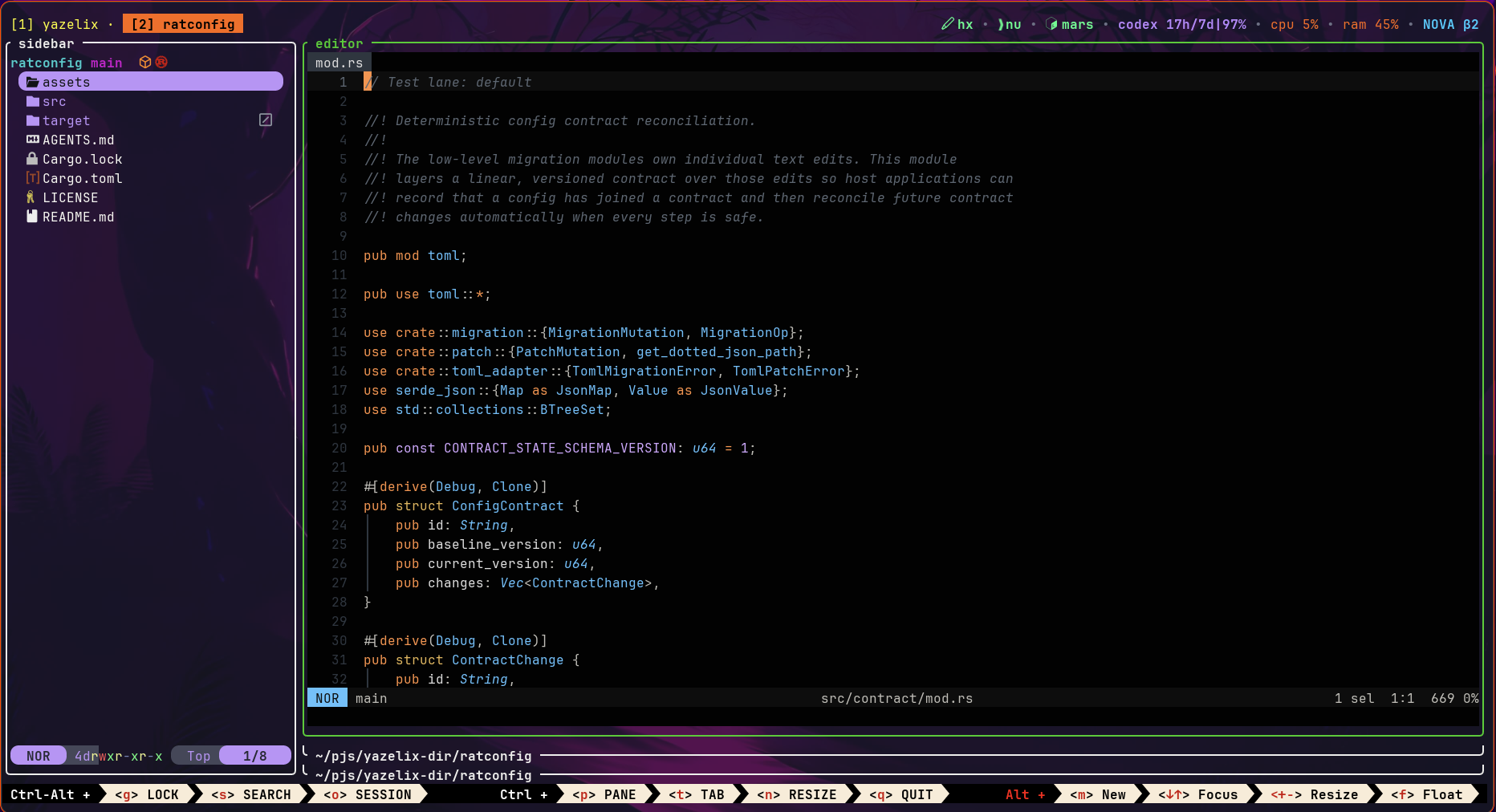
Install Stable
Add the checked release to your Nix profile. These docs track Stable; Main and Edge may differ
nix profile add --refresh github:Yazelix/nova/stableSet a terminal profile to run yzx enter, or open the installed Linux desktop entry. Most days, you do not type another yzx command after Nova opens. Alt Shift K opens Ratconfig
Popup tools
Files, git, and the agent open over the workspace, then hide. These are Nova 1.1-era recordings. See them on Features
Panes, theme, Anima
The sidebar and panes move. Ratconfig restyles the multiplexer. Anima fills the workspace as ambience or a screensaver. These are Nova 1.1-era recordings. See them on Features
Move with h j k l
Nova extends Helix and Vim motion across the workspace. Alt focuses. Ctrl Alt moves tabs or panes. Alt Shift summons. The full map is in Keybindings
| Layer | h | j | k | l |
|---|---|---|---|---|
| Alt | Focus left or previous tab | Focus down | Focus up | Focus right or next tab |
| Ctrl Alt | Move tab left | Move pane down circularly | Move pane up circularly | Move tab right |
| Alt Shift | Sidebar | Git popup | Config popup | Agent popup |
Alt Shift H toggles the Radar-default sidebar. Alt Shift A opens Anima.Ctrl y toggles focus between Forest and managed Helix